

Bring a different feel to the ground.
Refresh supported boundary boards, sponsor graphics and other stadium textures.
Compatibility notes
A pack changes only the assets listed by its creator. It does not add new stadiums or change stadium geometry.
Extra Cover installs compatible Cricket 26 packs on Windows: commentary, stadiums, HUDs, textures, logos and music.

Refresh supported boundary boards, sponsor graphics and other stadium textures.
A pack changes only the assets listed by its creator. It does not add new stadiums or change stadium geometry.
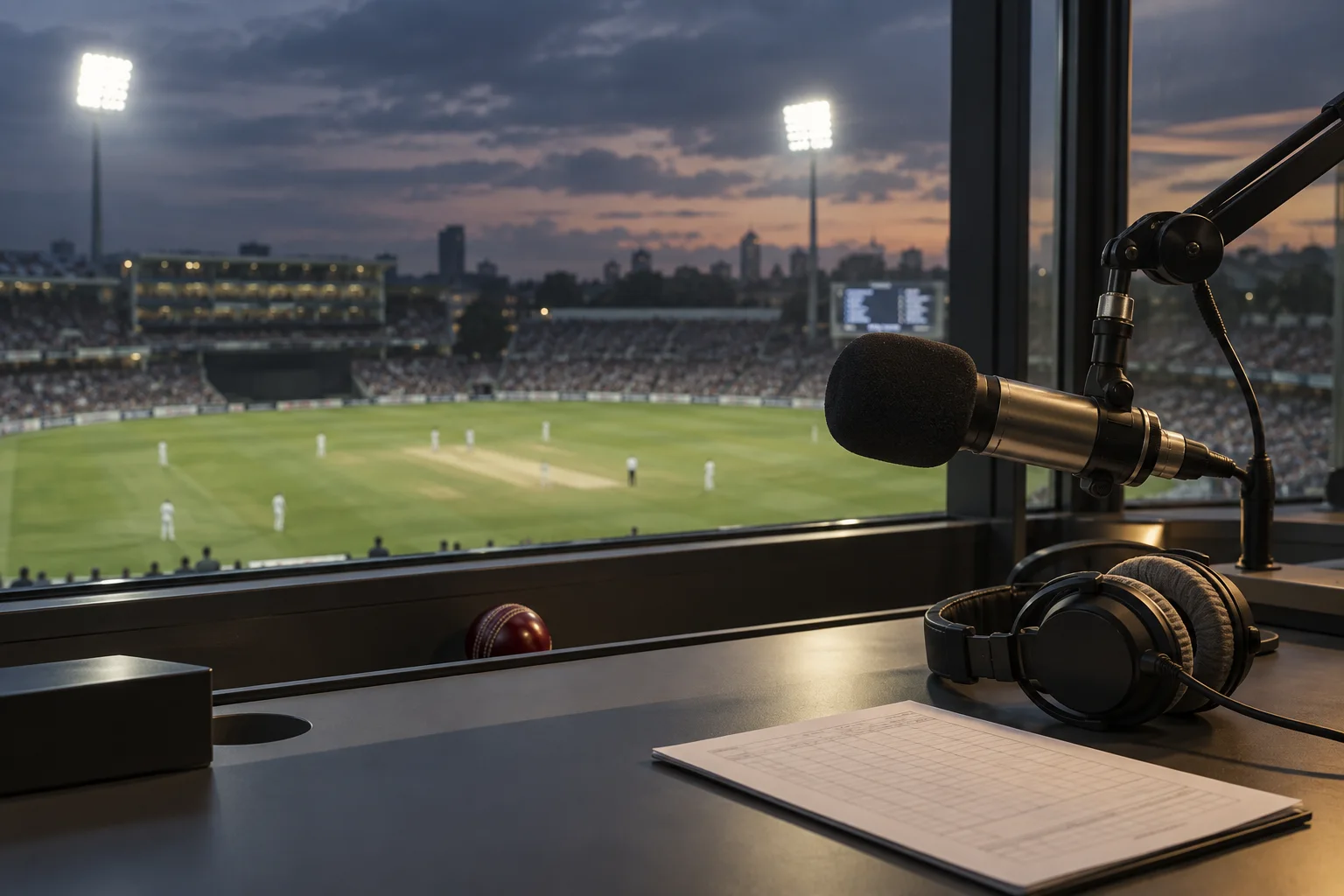
Replace supported commentary audio with files prepared by a pack creator.
Language and match coverage depend on the pack. A pack may replace only part of the game commentary.
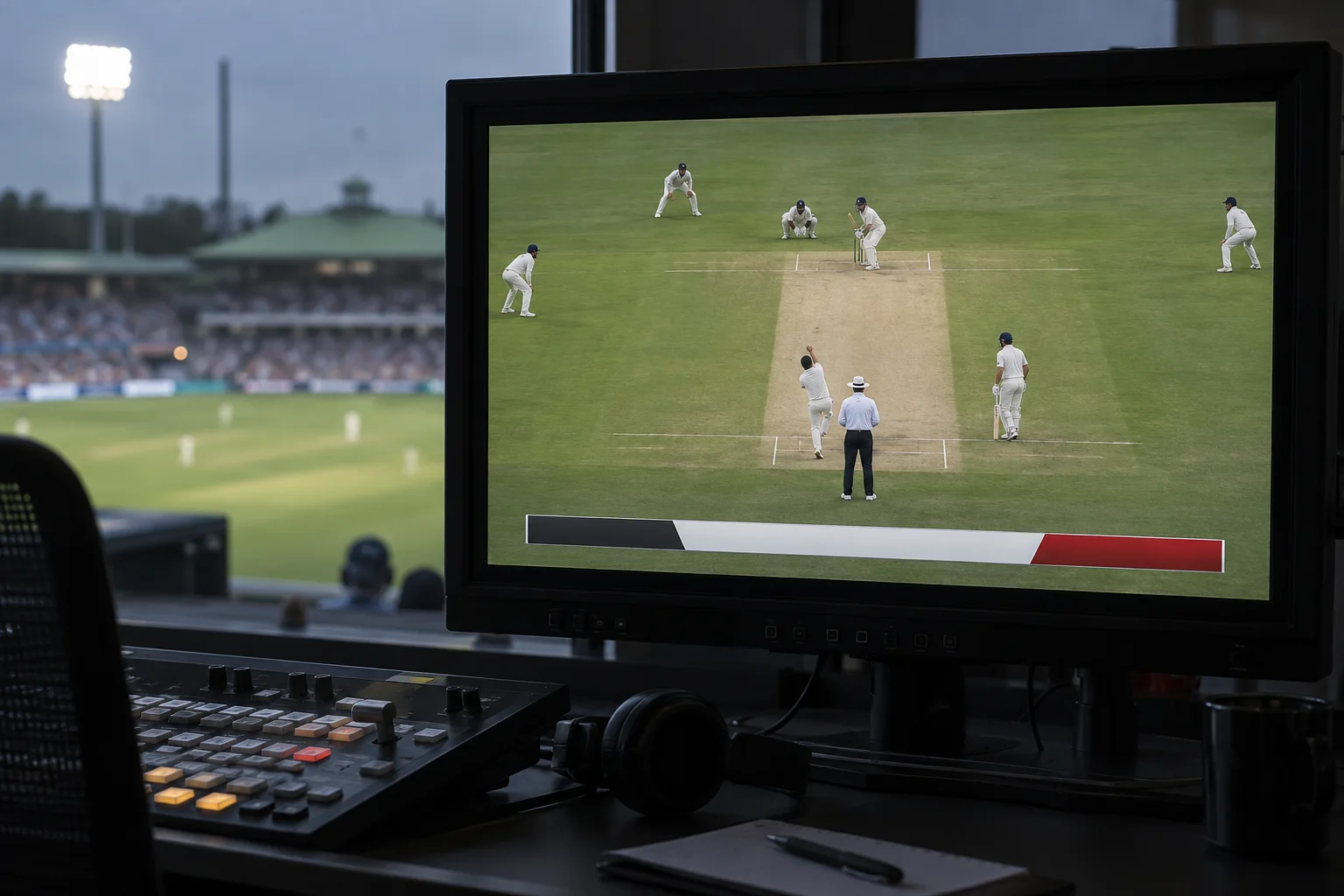
Change supported score bars and other match overlays.
HUD changes have been tested in the game. A player-installable HUD pack still needs to be confirmed for release.
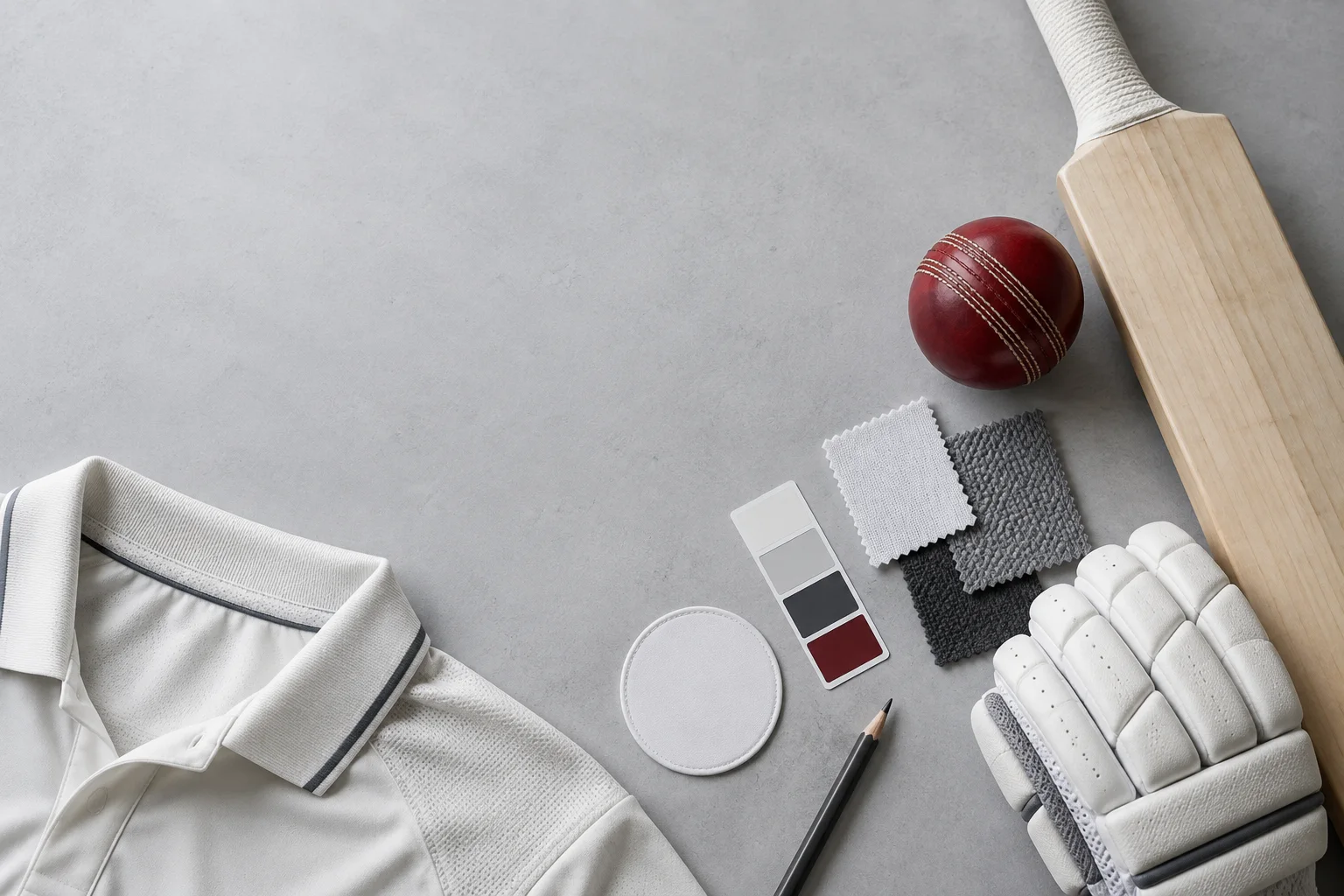
Replace supported kit, equipment, menu and field textures.
Support varies by asset. Pack Studio labels textures that can be viewed but cannot be added to a pack.
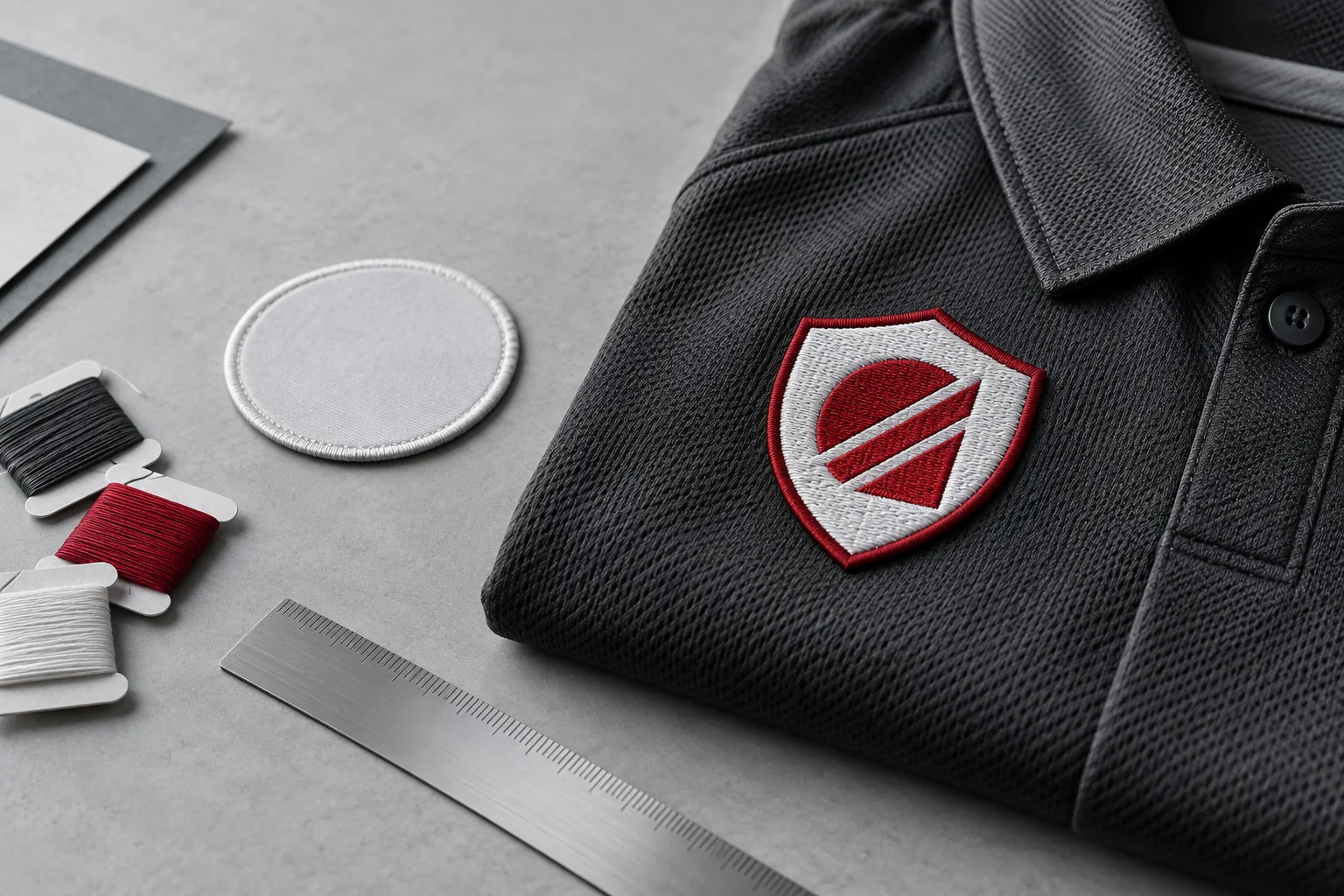
Replace logo textures on supported in-game surfaces with compatible artwork.
Use artwork you have permission to share. Replacing one texture does not replace the same logo everywhere in the game.
Replace supported music, crowd and stadium audio slots.
Available replacements depend on the pack. Extra Cover does not include commercial music.
One-time setup. Then install packs in a click. New to Cricket 26 modding? Read the install guide
Find Cricket 26. Let Extra Cover scan.
Browse the community or import a .c26pack.

Close the game. Install. Launch Cricket 26.
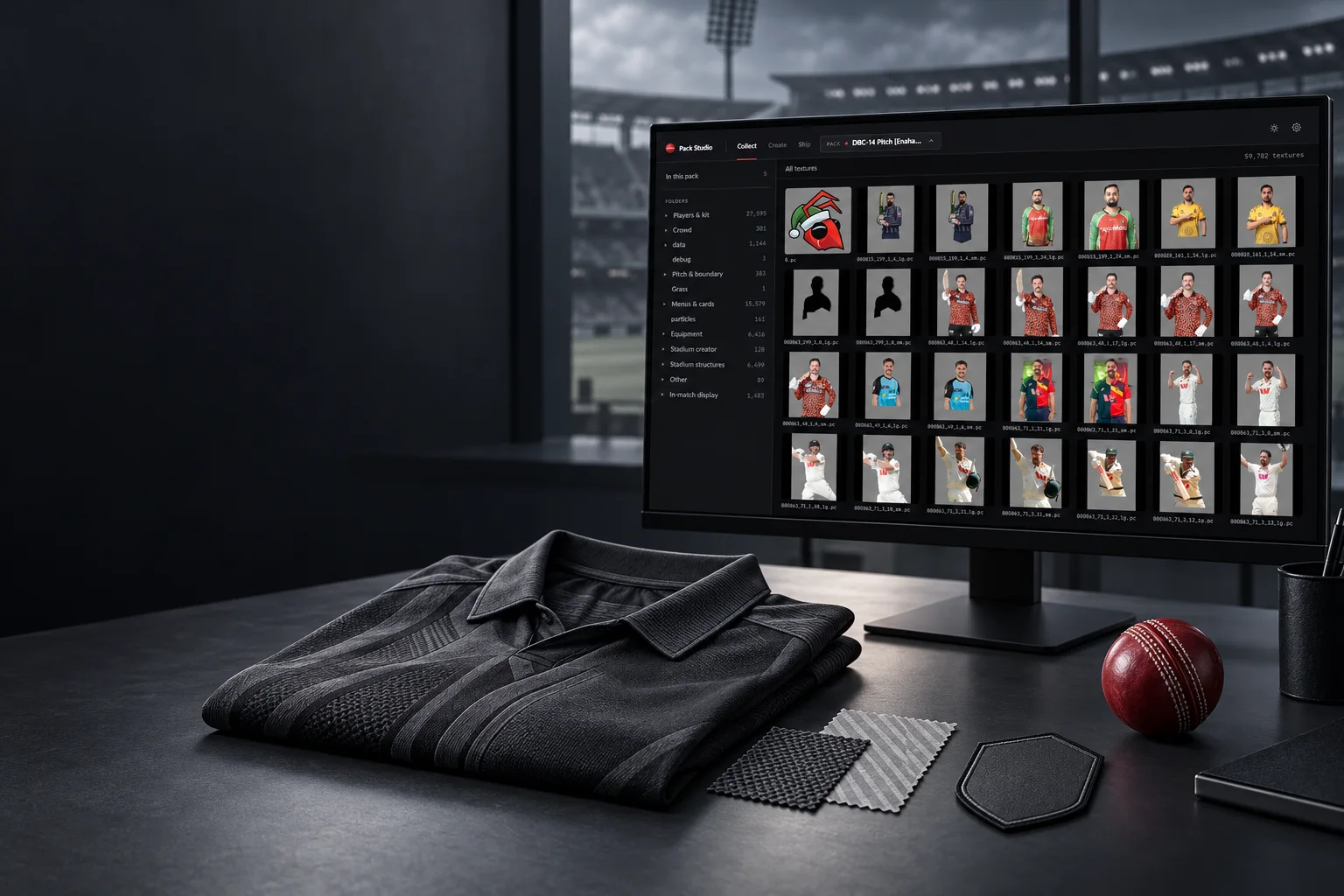
PACK STUDIO
Find textures. Edit your PNGs. Build a pack. Our free creator companion takes care of the file formats.
Yes. Extra Cover and Pack Studio are free to use and are in open beta. Cricket 26 is not included.
The open beta downloads are not code-signed yet, so Windows SmartScreen warns the first time. Choose More info, then Run anyway. Only download Extra Cover from this site or its GitHub releases page.
Windows PCs with Cricket 26 installed through Steam. Console versions are not supported.
Browse community packs in Extra Cover or import a compatible .c26pack file. Availability and compatibility vary by pack.
Yes. Close Cricket 26, then choose Disable mod in your library. Extra Cover removes that mod while keeping your other compatible mods installed.
Game updates can affect pack compatibility. Re-scan your installation if prompted, and check for updated packs before installing them again.
No. Extra Cover installs and manages your packs. Pack Studio is optional and is for creators who want to build texture packs.
No. Extra Cover and Pack Studio are independent community tools, not affiliated with or endorsed by Big Ant Studios or Nacon. Cricket 26 is required and sold separately.
Install mods for Cricket 26. Want to create your own? Explore Pack Studio.
Install commentary, stadiums, HUDs, textures and more after setup.
Download Extra Coverv0.2.2 open beta · Windows installer · 143 MB · Release notesBuild your own texture packs and share your match-day ideas.
Download Pack Studiov0.1.1-beta.2 beta · Windows ZIP · 102 MB · Release notes