
1Download Extra Cover
Run extra-cover-Setup-0.2.2.exe (143 MB). It isn’t code-signed yet, so Windows SmartScreen warns the first time: choose More info, then Run anyway. The app then finds Cricket 26 and sets itself up.
2Get a pack
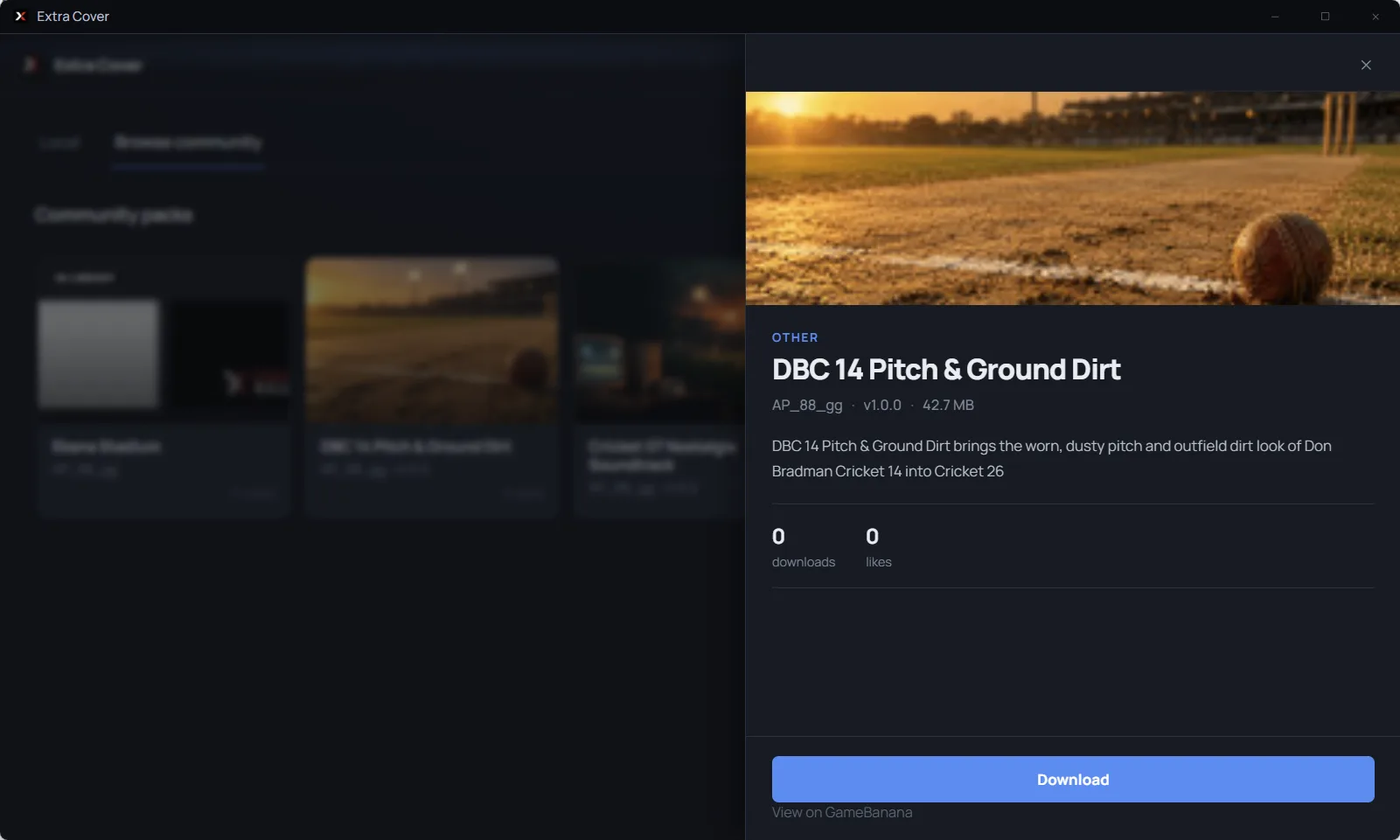
Open Browse community and choose Download on any pack, or double-click a .c26pack file someone shared with you. Adding a pack doesn’t change the game yet.
3Install and play
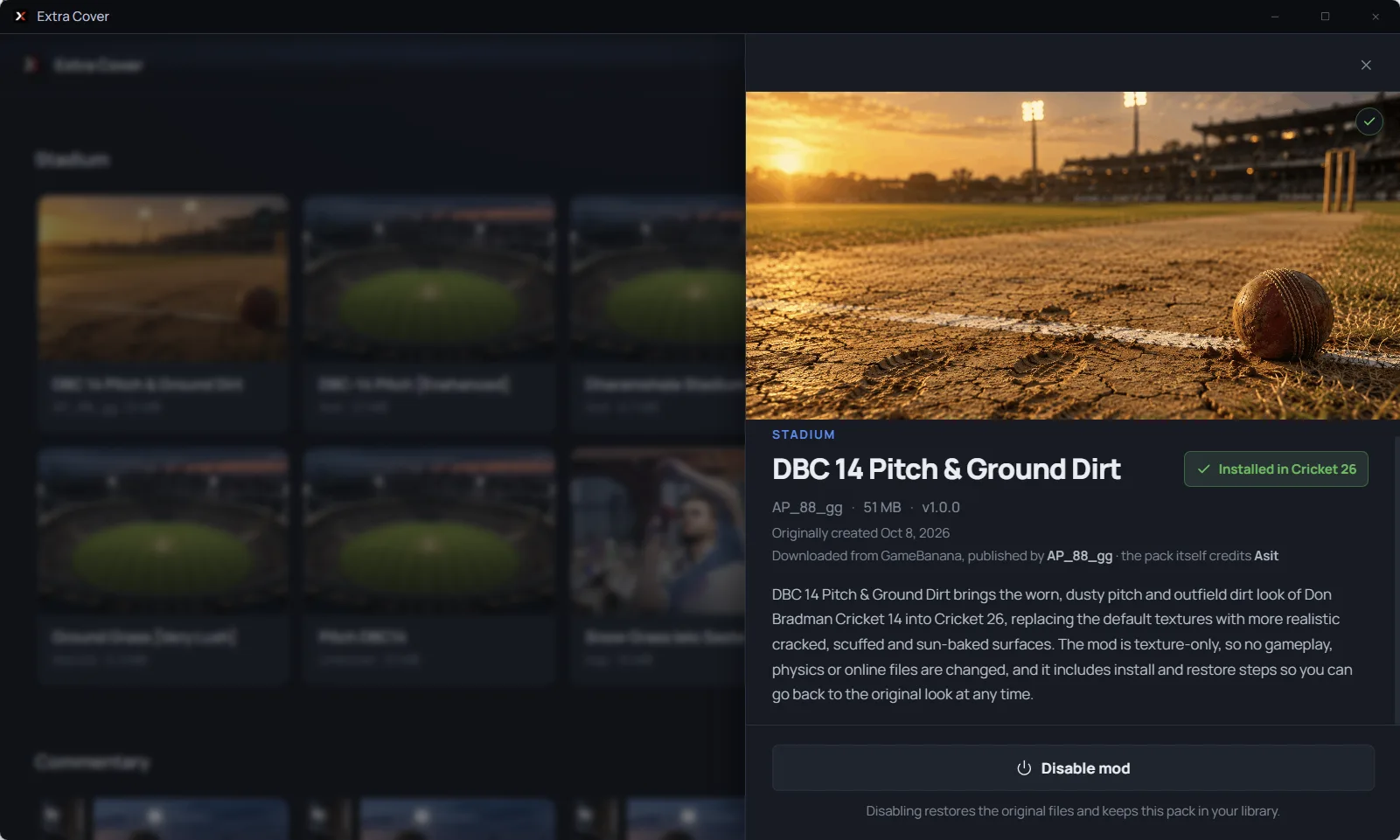
Close Cricket 26, open the pack and choose Install. Launch the game and the change is there.

Undo a mod
Choose Disable mod. Extra Cover restores the original files and keeps the pack in your library.
Troubleshooting Cricket 26 mods
Why does Windows say “Windows protected your PC”?
The open beta isn’t code-signed yet, so SmartScreen warns the first time. Choose More info, then Run anyway. Only download Extra Cover from this site or its GitHub releases.
Why does Extra Cover say “Cricket 26 is running”?
Mods can only be installed or removed while the game is closed. Quit Cricket 26 fully (check Task Manager for Cricket26.exe), then try again.
What should I do after a Cricket 26 update?
If Extra Cover says “Cricket 26 was updated since setup”, open Settings → Troubleshooting → Re-index game, then install the pack again. Check whether the creator has an updated version.
Why won’t my mod file import?
Extra Cover installs .c26pack files. If it says “This does not look like an Extra Cover pack”, the file is loose files or a mod made for another tool, which can’t be imported.
How do I remove all Cricket 26 mods?
Open Settings → Troubleshooting → Disable all mods. Steam’s Verify integrity of game files also restores every original file.
Still stuck? Ask in the Extra Cover Discord.
Make your own pack
Pack Studio turns your edited textures into a .c26pack. Extract the whole ZIP, then run packstudio.exe.